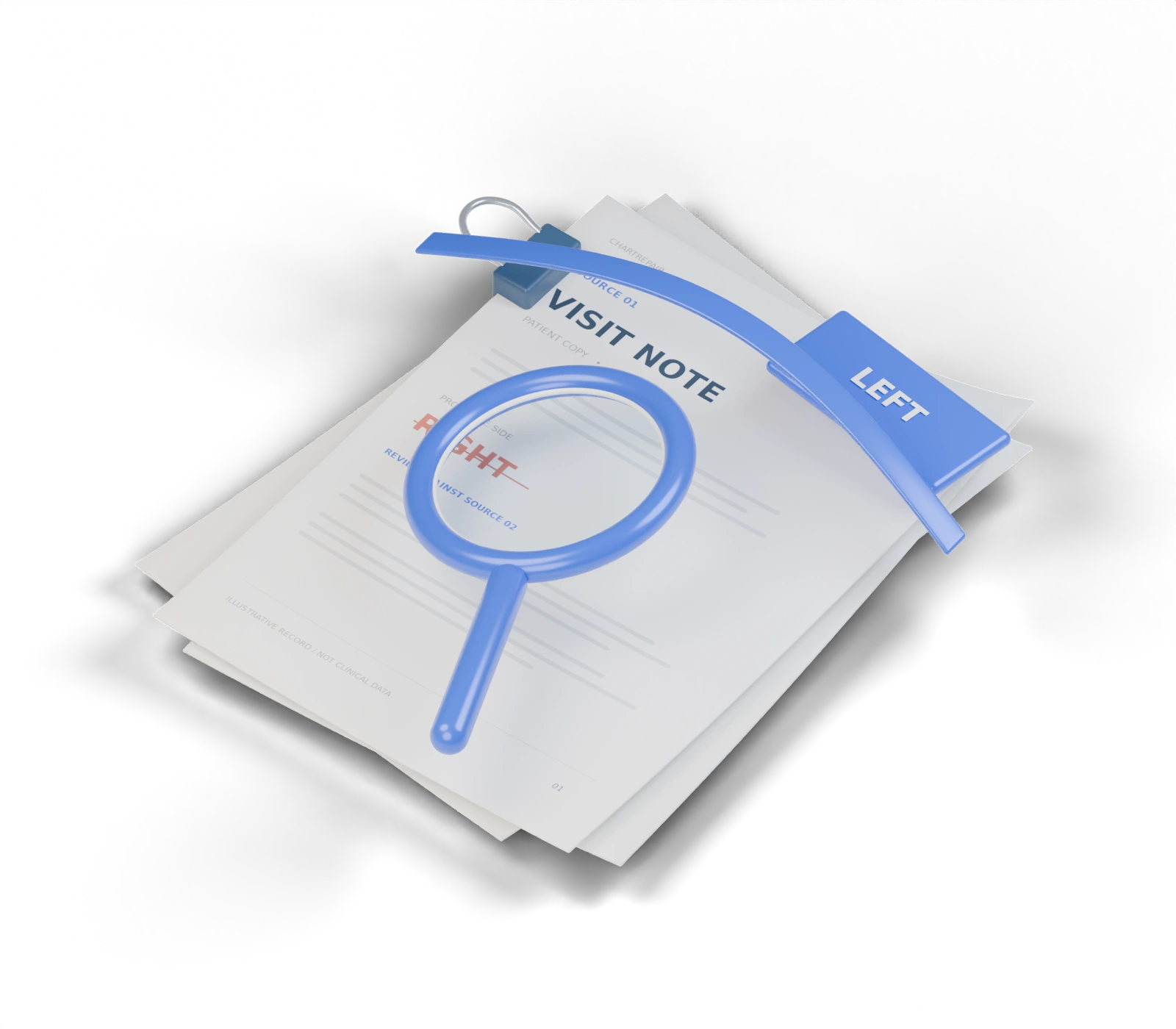
VISIT NOTE
right wrist↔OPERATIVE SUMMARY
left wrist
right wrist↔OPERATIVE SUMMARY
left wrist
See both sides.
Compare the original passages with their dates, authors, and page references. A difference is a question, not a verdict.
MEDICAL RECORD CORRECTIONS
Put two records side by side, trace the disputed line to its source, and draft the change you want reviewed.
Keep the disputed passage, your evidence, and the exact change together. If you receive an updated PDF, check whether it contains the wording you requested.
Compare the original passages with their dates, authors, and page references. A difference is a question, not a verdict.
Keep an issue, explain it, or leave it out. Your decision changes the actual request packet.
Download the draft with your exact wording and cited excerpts. Submit through the provider’s established channel.
A clearer request starts
with a closer look.
Fictional case · 3 source documents · Nothing submitted
Choose the record you want reviewed and a second record for context. Select and capture one passage from each.
Refreshing clears this workspace. Downloaded drafts contain the excerpts you capture.
Describe the detail you want to compare, or scan both records for possible conflicts. On-device AI suggests original text for you to review.
Look for possible differences in sides, dates, times, and doses.
Entry under review ·
Comparison record ·
The record containing the disputed statement.
A second record that provides relevant context.
Check the extracted text against the originals before citing it.
Use the passages you captured to explain the exact change or clarification you want reviewed.
Choose an updated PDF. ChartRepair looks for the complete wording of each saved request, ignoring case and spacing.
Save a request before checking an updated PDF.
Matches and unresolved requests will appear here.